Getting Started
The main interface consists of three primary sections:
- Toolbar
- Configuration Section (detailed here)
- Device Controller Status & Actions
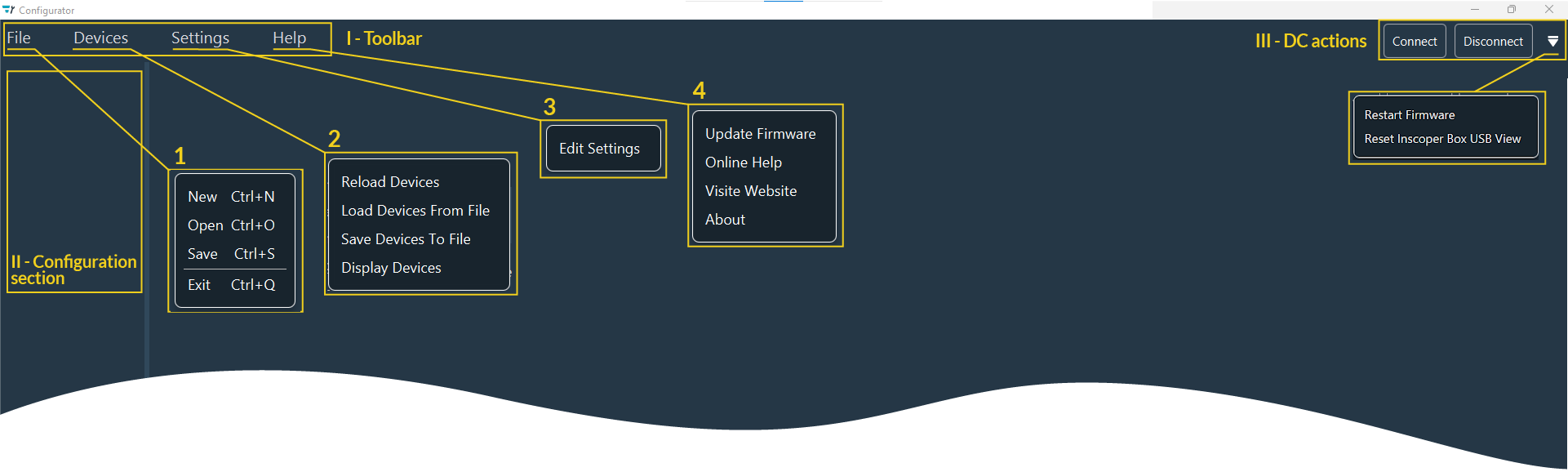
Toolbar
1. File
Use the File menu to perform the following actions:
- New: Create a new configuration.
- Open: Open an existing configuration.
- Save: Save the current configuration.
- Exit: Close the Configurator window.
2. Devices
The Devices menu includes commands to manage device communication:
-
Reload Devices: Reload device information from the device controller and external drivers (Micro-Manager, and custom drivers).
Note
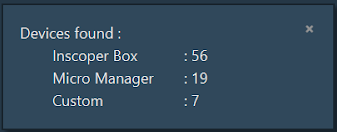
When the check is complete, a popup window appears at the bottom of the Configurator window to indicate the number of devices found and loaded.
-
Load Devices from File: Read and import device information (settings and configuration) from a stored file.
- Save Devices to File: Export device information to a new local file.
- Display Devices: Redisplay the device status popup window.
3. Settings
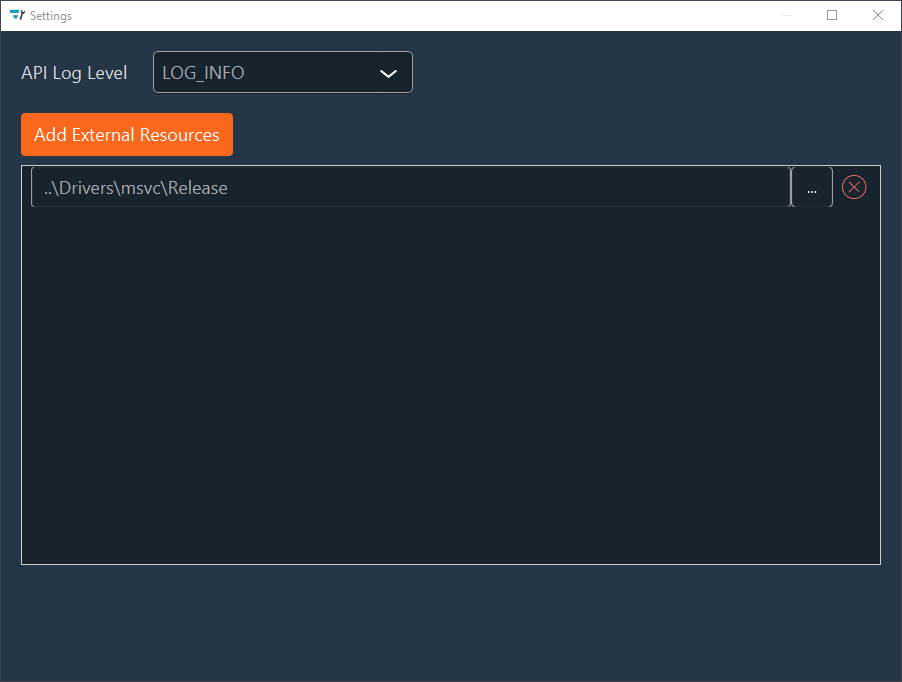
Use the Settings menu to specify the directories where Micro-Manager, and custom drivers are stored.
- External Resources: Add directories by clicking
Add External Resourcesor delete them by clicking the Red Cross. - API Log Level: Specify the log level used by the Configurator via the drop-down menu.
- Note: Changes save automatically upon closing the window.
4. Help
The Help menu provides the following options:
- Update Firmware: Open an explorer window to upload a firmware file.
- Online Help: Access the Configurator or Inscoper User Guides.
- Visit Website: Open the official Inscoper website.
-
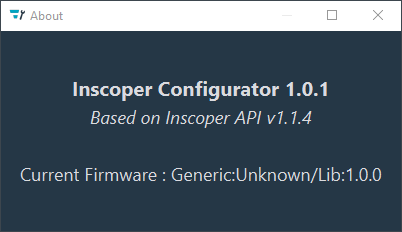
About: Display a popup with versioning information (Configurator, API, and firmware).
Device Controller Actions
The Device Controller (DC) actions section provides the following operations:
- Connect: Establish a connection with the Device Controller.
- Disconnect: Terminate the connection with the Device Controller.
- Restart Firmware: Reboot the firmware.
-
Reset Inscoper Box USB View: Trigger the Inscoper Box to rescan all USB devices.
Example
Use this command if a device is connected while the Configurator is open to update the detected hardware inventory.