Using Templates
Templates provide a pre-validated starting point for system configurations. By importing pre-configured devices, you can rapidly establish a baseline setup that requires only minor adjustments to match your physical hardware connections.
Authorized Inscoper representatives have configured and validated these templates to ensure operational reliability.
-
Click Load Template.
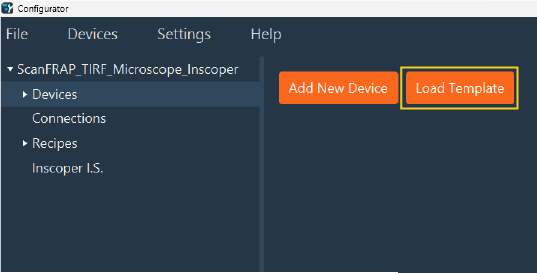
-
Expand the directory tree to browse devices grouped by type. Select the devices to import by checking the box next to each device name.
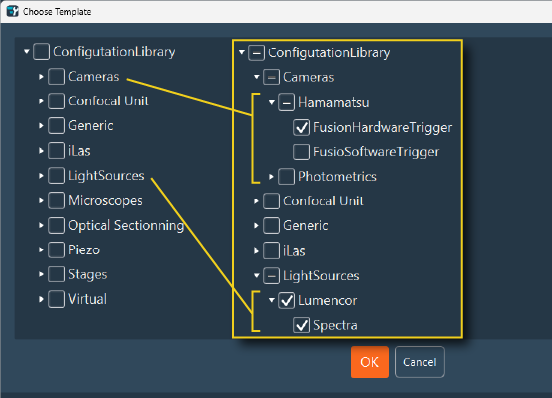
-
Click OK to import the selected devices into the configuration.
-
Adjust the physical connections to match the hardware setup. Review the imported recipes and key settings.
Warning
Templates provide generic connection settings. You must update these settings to match the actual ports and controllers used in the physical architecture.
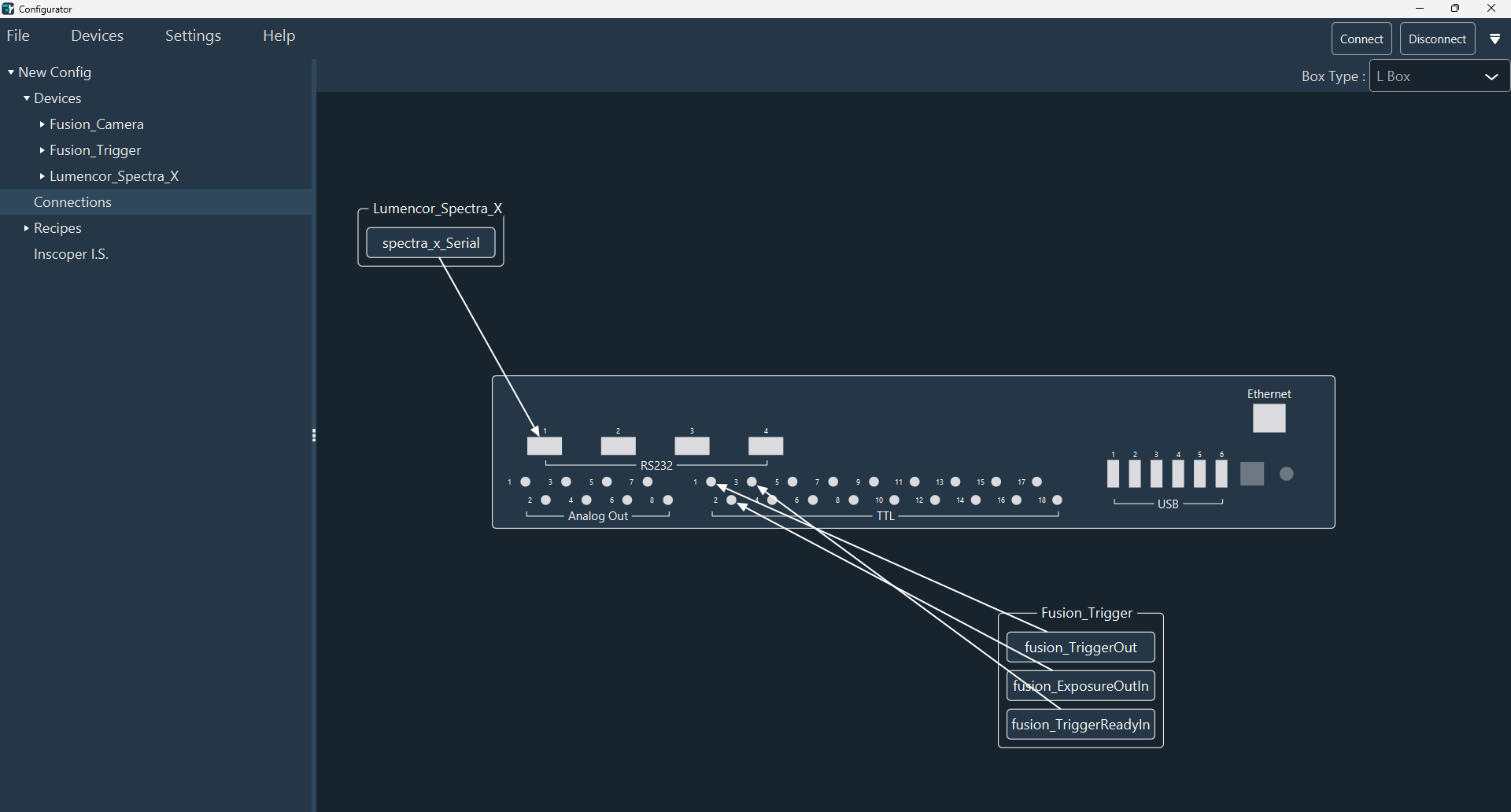
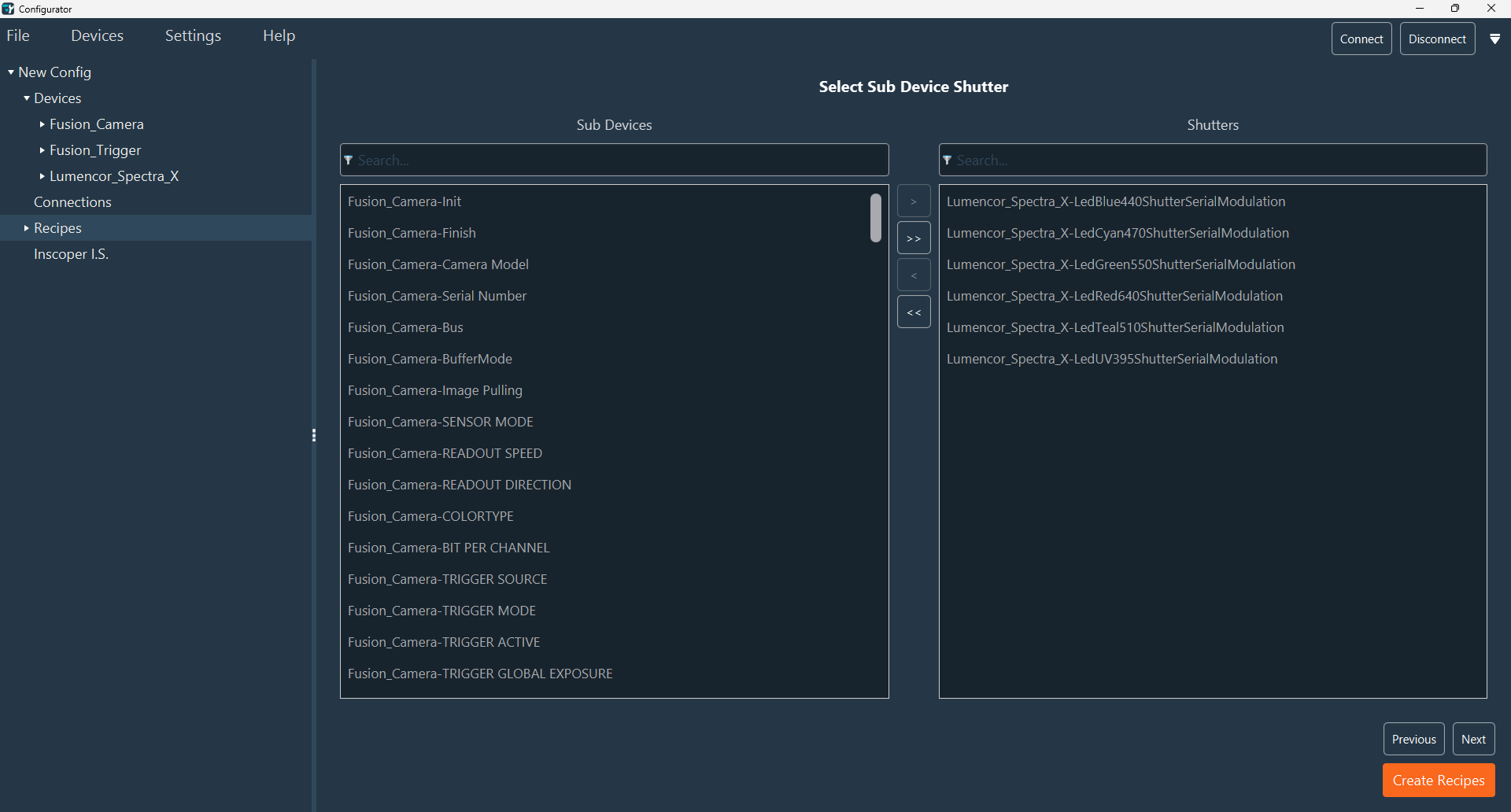
-
Verify and modify the device configurations in the Inscoper Imaging Software (IIS) tab. This tab groups all parameters for controlling and validating devices. For full customization details, refer to the Inscoper Imaging Software Configuration section.
The devices are now ready for fine-tuning. Proceed to customize specific parameters or define experimental protocols.