Support
If you have any questions or encounter any issues with your software, please contact us through our ticketing tool, Mainti4 (your login credentials will be provided after installation). To help us diagnose the issue quickly, we will need your software version and logs folder.
This page explains exactly where to find this information.
Inscoper Software Version
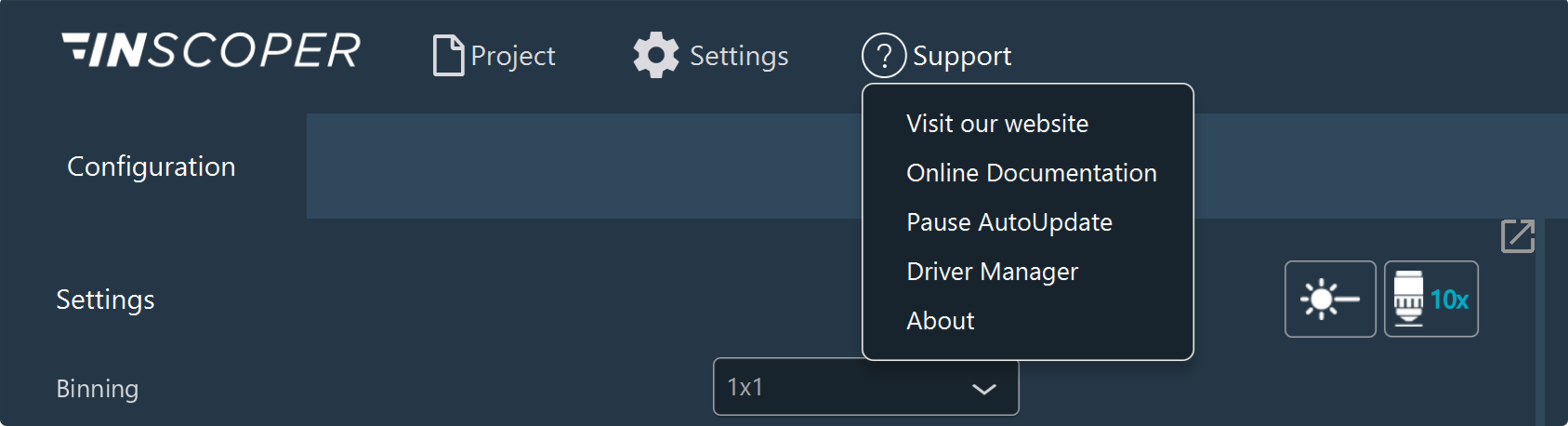
To find your Inscoper version, open the Support drop-down menu and click About.
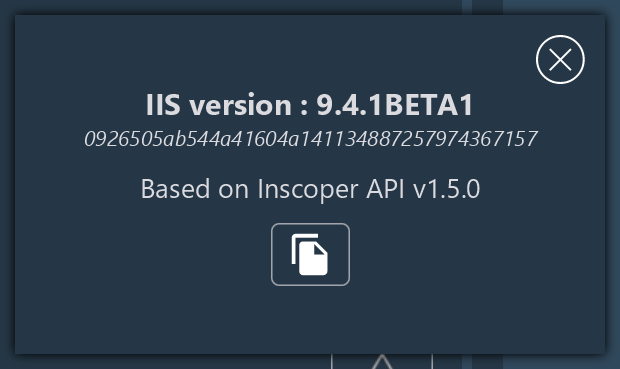
A pop-up will appear displaying all technical details, including the version and API numbers. If you encounter any issues with your software, you can copy and paste this information directly into your support ticket.
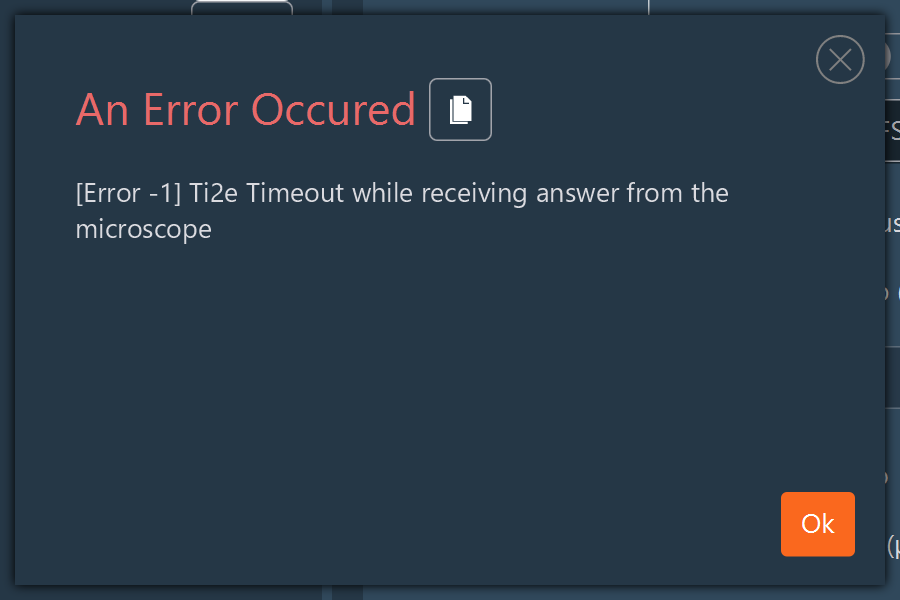
Error Windows
If you encounter an error while using the software, please copy and paste the error message directly into your support ticket.
Find log folder
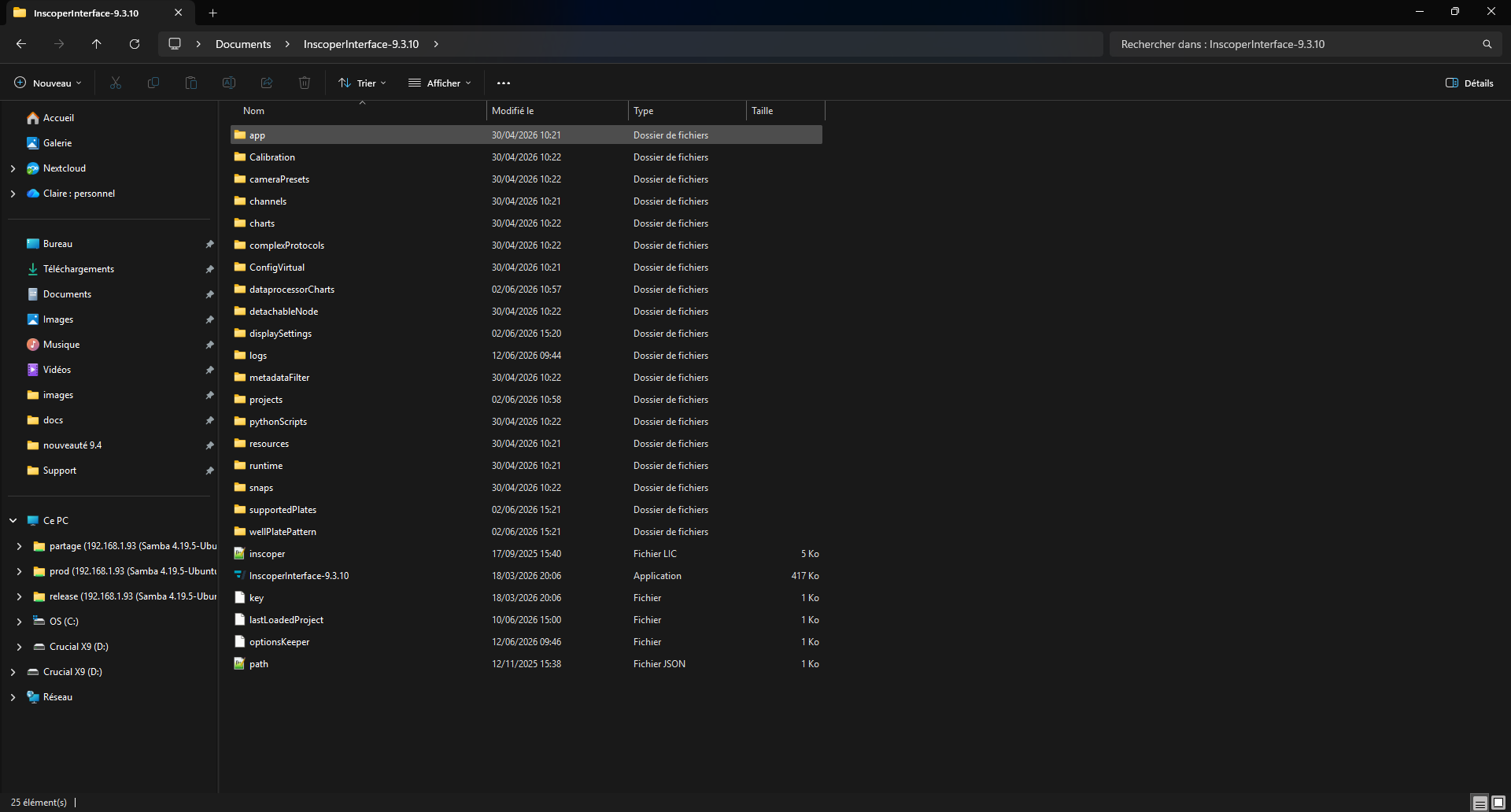
Follow these steps to locate your latest log folder:
- Open your Inscoper directory (typically: C:\Inscoper).
-
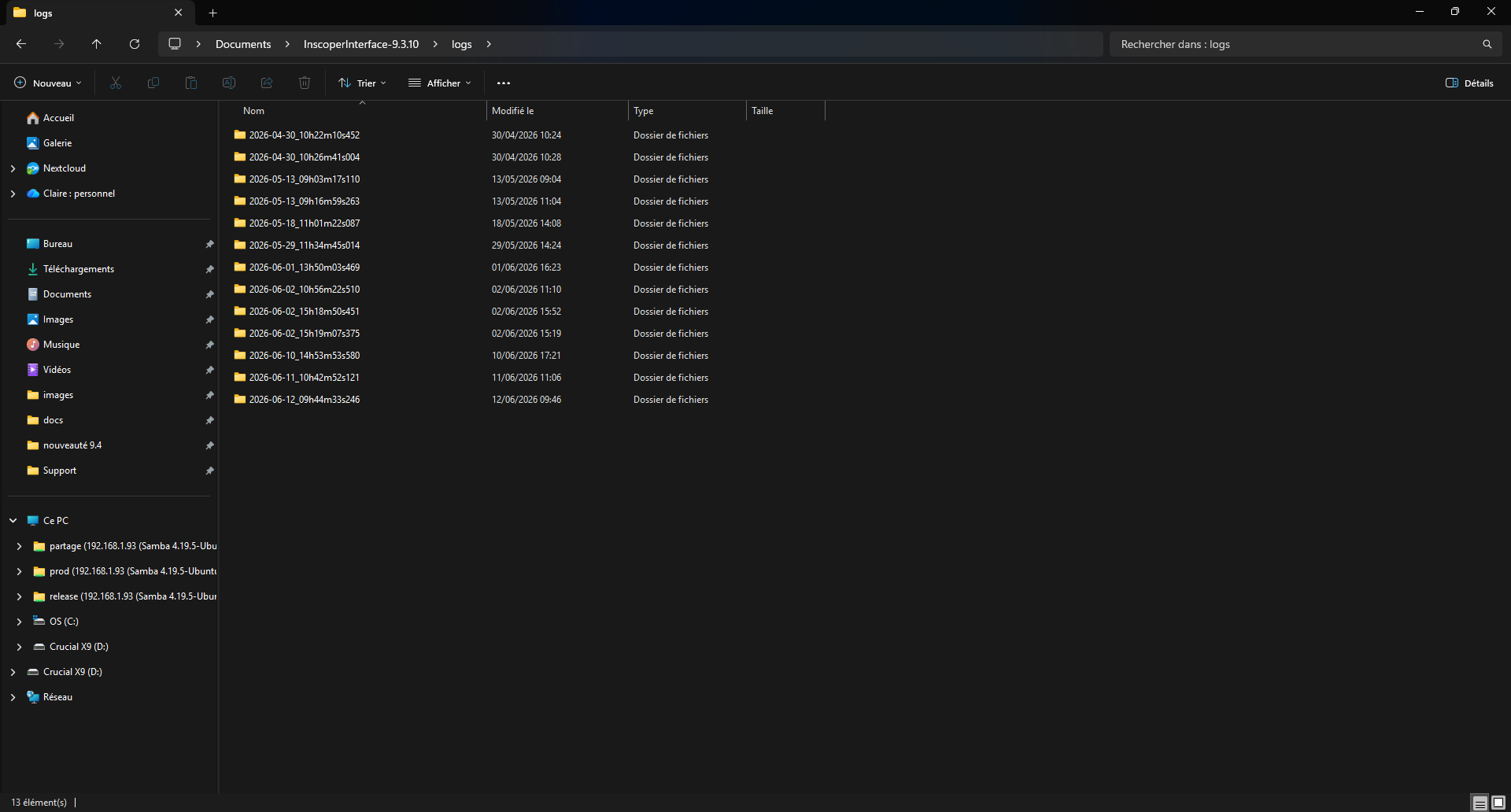
Open the executable folder, then locate and open the logs folder.
-
Select the most recently created folder inside.
- Attach this folder to your support ticket.
Note
A new log folder is generated every time the software interface is opened, so the newest folder will contain the details of your current session.