Calibration
A calibration records a dependency between devices, so that the Imaging Software offers the correct options for the current state of the instrument. A typical example is a correction collar setting or a stage travel range that depends on the objective in place.
Opening the calibration window
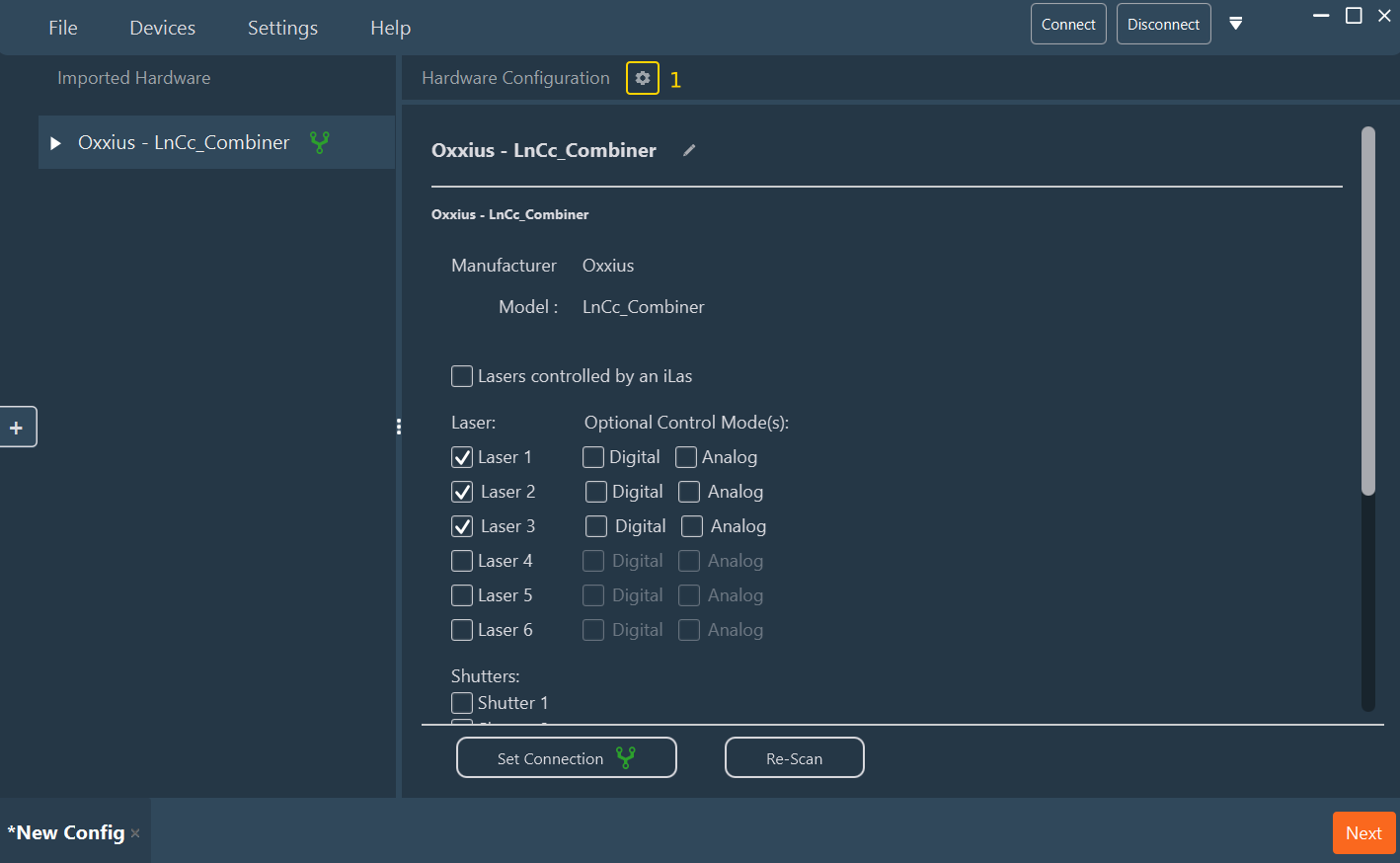
Click the gear icon (1) in the Hardware Configuration header of the main workspace.
The Advanced Parameters window opens on the Calibration tab, which lists the calibrations of the configuration. The second tab, External Parameters, is described in External Parameters.
- Click Add Calibration (1). A new row of type Linear is added to the list.
- Click the pencil icon (2) of the row to open the calibration for editing.
- To delete a calibration, click the red cross (3) of its row.

| Column | Description |
|---|---|
| Name | The name of the calibration, as displayed in the Imaging Software. |
| Type | The interpolation used between the recorded points. |
| Edit | Opens the calibration for editing. |
Editing a calibration
The Calibration Edit window opens.
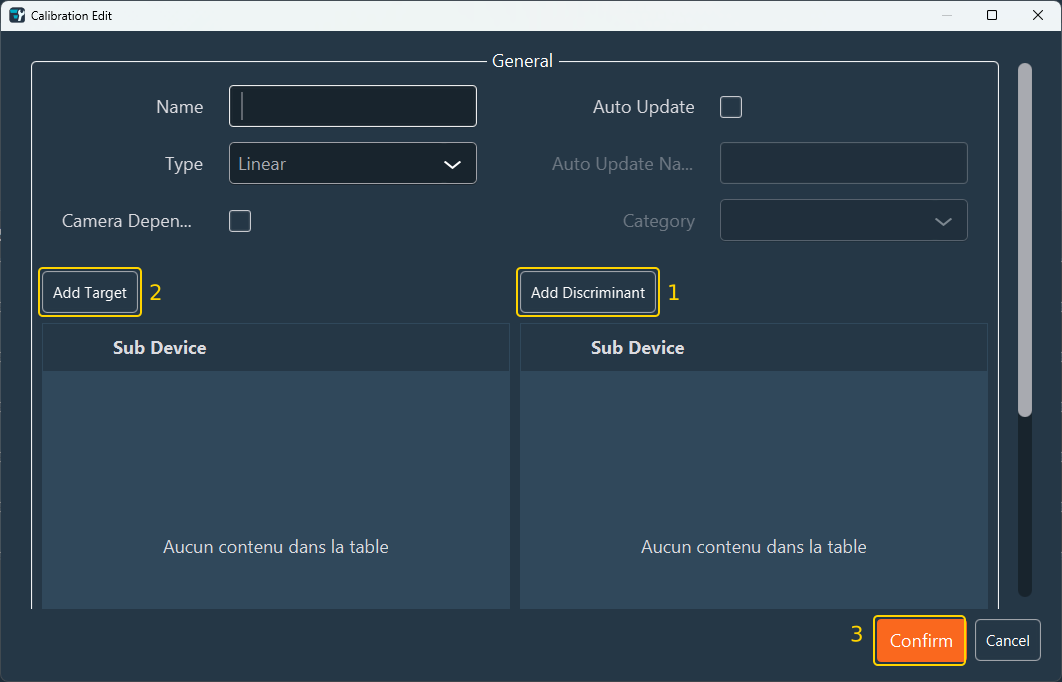
General
| Field | Description |
|---|---|
| Name | The name shown to the user. |
| Type | The relation applied between recorded points: • Linear: linear function (ax + b). • Linear Delta: linear function applied to the change in value. • Bilinear: plane in three dimensions (ax + by + c). • Piecewise Linear: piecewise linear approximation. • Constant: fixed value between two devices. • Formula: user-defined formula. |
| Camera Dependent | Select this when the calibration differs from one camera to another. |
| Auto Update | Select this to have the calibration recomputed automatically when the discriminant changes. |
| Auto Update Name | The name under which the automatic update is presented. Available when Auto Update is selected. |
| Category | The category of the Imaging Software interface in which the automatic update is offered. Available when Auto Update is selected. |
Below the General section, a second section shows the fields of the selected type: an Interpolator parameter for Linear, Linear Delta, and Piecewise Linear; Interpolator 1 and Interpolator 2 for Bilinear; and a table of variables, filled with Add Variable, for Formula. Constant has no further fields.
Targets and discriminants
A calibration relates one or more targets to one or more discriminants.
- A discriminant is the parameter whose value selects which calibration entry applies. The objective turret is the usual discriminant. On a manual turret, the Virtual Objective provides it.
-
A target is the parameter whose value the calibration supplies for each state of the discriminant.
-
Click Add Discriminant (1), then choose the discriminant parameter in the new row.
- Click Add Target (2), then choose the target parameter in the new row.
- Click Confirm (3) to store the calibration, or Cancel to discard the changes.
Note
Calibrations are stored with the configuration. Values recorded during use are updated by the Imaging Software, not by the Configurator.
Next step: Return to Creating a configuration to save the configuration.